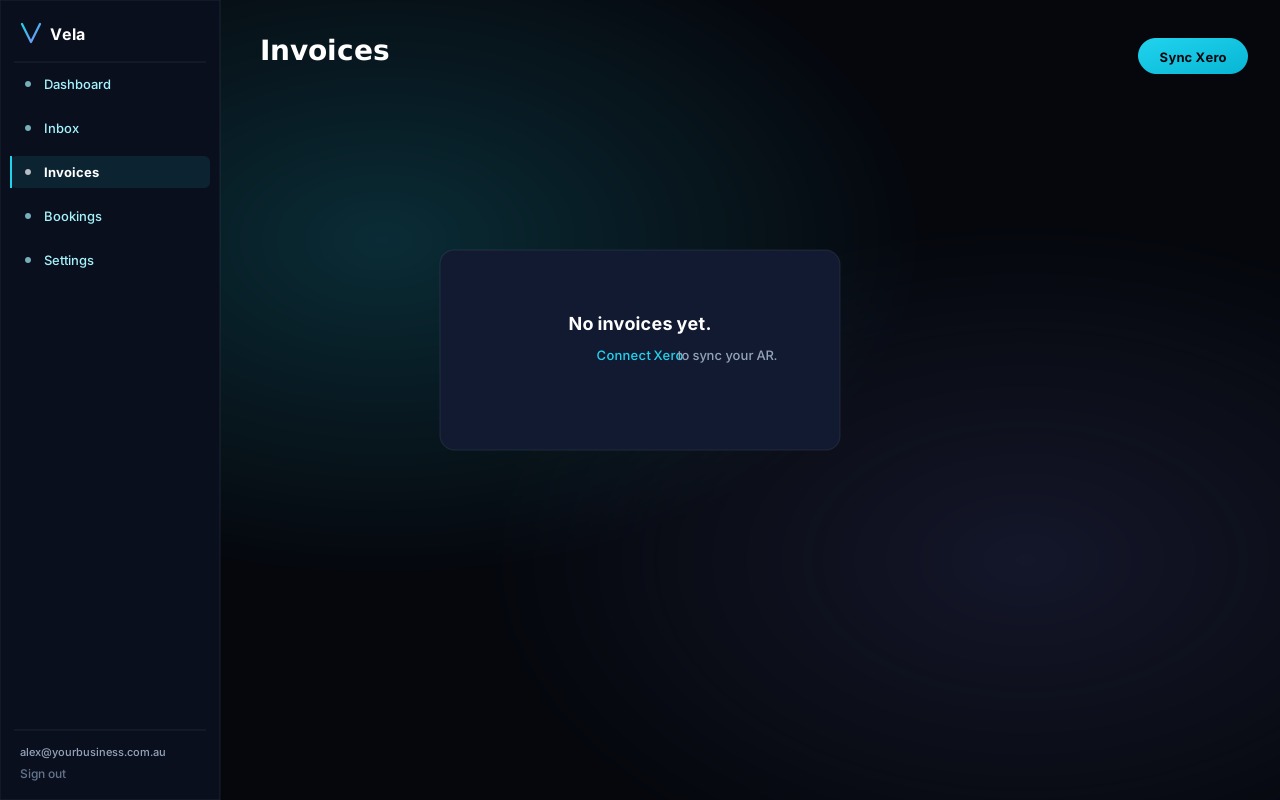
The Invoices view shows every Xero invoice along with payment status, days overdue, and any reminder draft Vela has prepared.
Default reminder cadence
Three reminders, all drafted for your approval (never auto-sent without you):
- Day 3 past due — polite nudge ("checking the invoice landed safely").
- Day 7 past due — firmer reminder with the invoice attached.
- Day 14 past due — formal late-payment notice with payment options.
Customising tone and timing
Settings → AR automation lets you:
- Move the cadence (e.g. day 7 / 14 / 30 instead).
- Pick a tone profile (friendly, neutral, firm).
- Set a "do not chase under" threshold (e.g. skip invoices under $50).
- Whitelist contacts you never want chased automatically (key accounts, family, charities).
Payment status sync
We pull payment status from Xero every 15 minutes. As soon as an invoice is marked paid, any pending reminder draft is cancelled automatically.