From Vela
Settings → Connections → Disconnect. We immediately delete the stored refresh token. The next time a sync job runs it'll fail authentication, not silently re-connect.
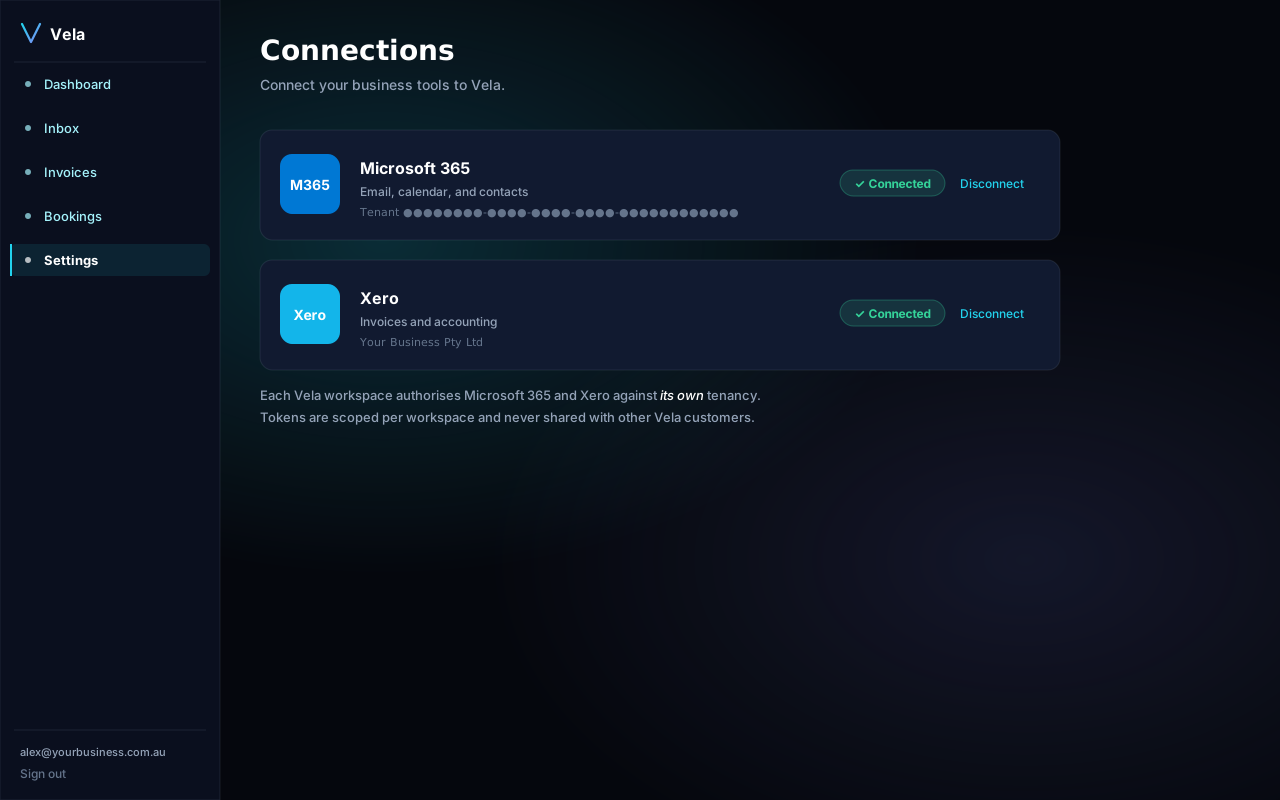
From Microsoft 365
For full removal, also revoke at the Microsoft side:
- Go to myapps.microsoft.com.
- Find Vela in your apps, click the three dots, choose Remove.
From Xero
- Sign in to Xero → click your name top-right → Connected apps.
- Find Vela, click Disconnect.
What we delete
On disconnection we drop the OAuth tokens within seconds. Historical synced data (emails we've already triaged, invoices we've already reminded on) remains in your Vela workspace so the audit trail stays intact. To purge that too, contact support for an account wipe.