The dashboard is your home base. It shows recent AI activity, anything waiting for your approval, and quick links to your connected accounts.
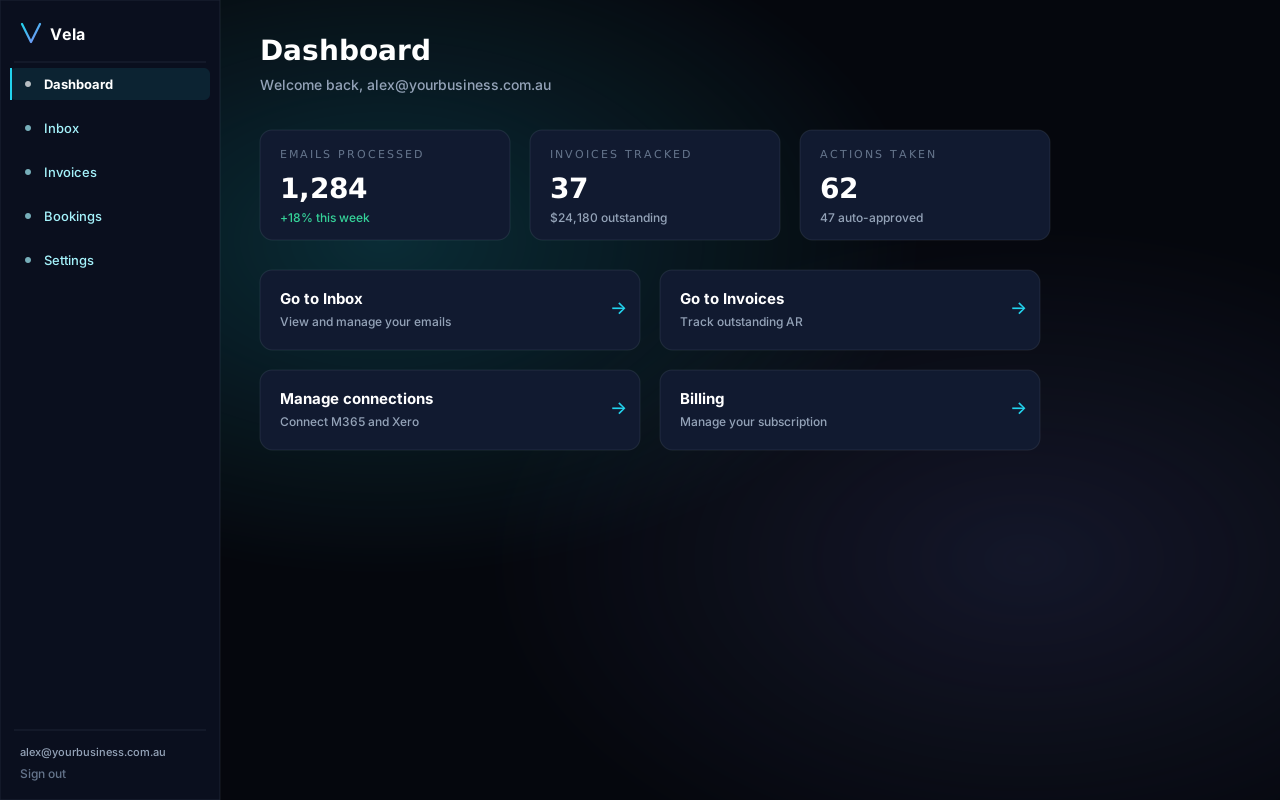
Left navigation
- Dashboard — overview and recent activity.
- Inbox — AI-drafted email replies waiting for review.
- Invoices — Xero invoice status and reminder drafts.
- Bookings — calendar invitations being prepared.
- Settings — connections, team, billing, security.
The activity feed
The big card on the right summarises what Vela has done in the last 24 hours: how many emails it triaged, how many invoice reminders it drafted, and how many items are waiting for you. Click any line to jump straight to that item.
Empty state
If you've just signed up and haven't connected anything yet, the dashboard shows a checklist. Work through it top to bottom — most new accounts are productive within 10 minutes.