Vela accounts take about two minutes to set up. You don't need a credit card to start the 14-day trial.
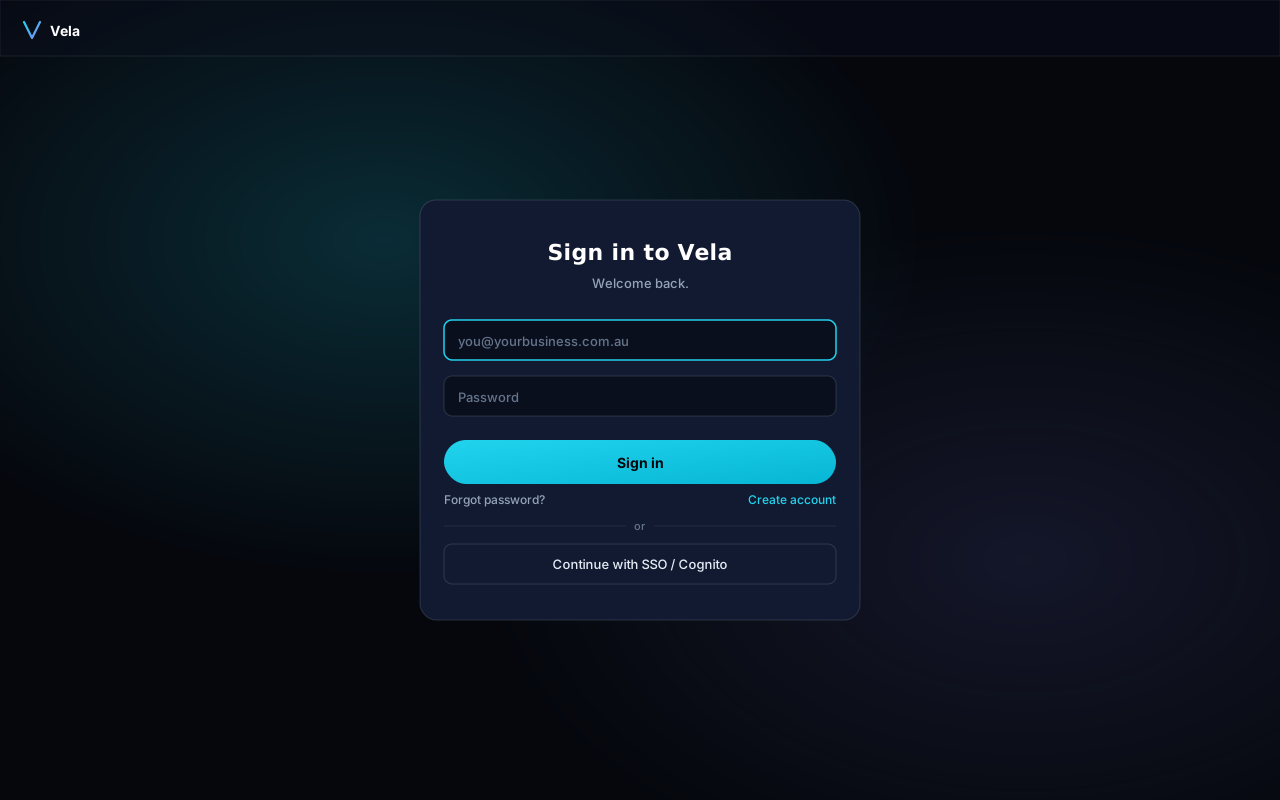
Sign in screen
This is the screen you'll come back to each time. New users start by clicking Create account.
Sign up
- Go to getvela.au/signup and enter your work email.
- Choose a password — at least 12 characters with a mix of letters, numbers, and a symbol.
- Check your inbox for a verification code. It arrives in under a minute (check spam if not).
Pick a plan
After verification you'll land on the plan picker. The default is the Business plan with a 14-day trial. You can switch later from Settings → Billing. MSP customers should pick the MSP tier — it includes the multi-tenant console.
Invite your team
From Settings → Team you can invite teammates by email. They get the same trial period as the workspace owner. Roles are admin (full access) and member (no billing access).
What you'll see next
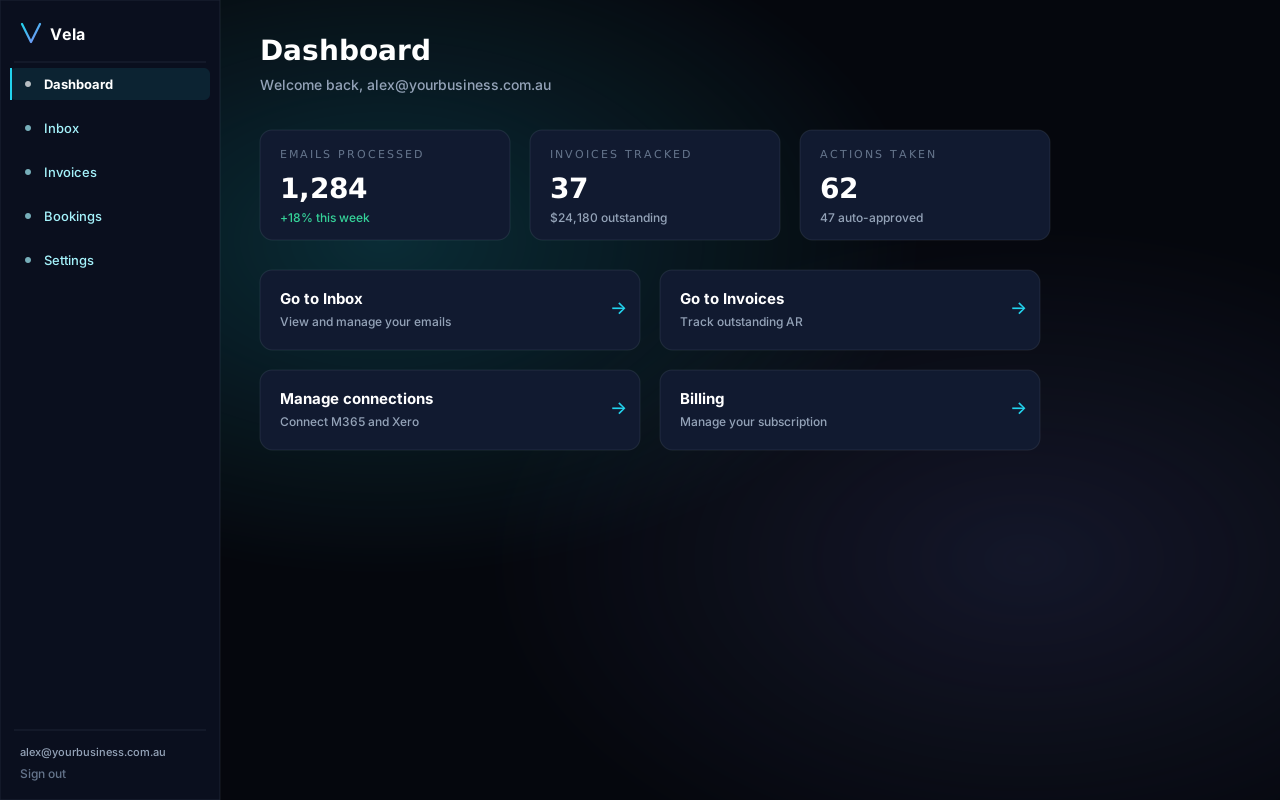
After verification you land on the dashboard — your home base in Vela.