The Xero connection unlocks AR automation: AI-generated overdue invoice reminders, payment status sync, and contact-aware replies.
Where to start
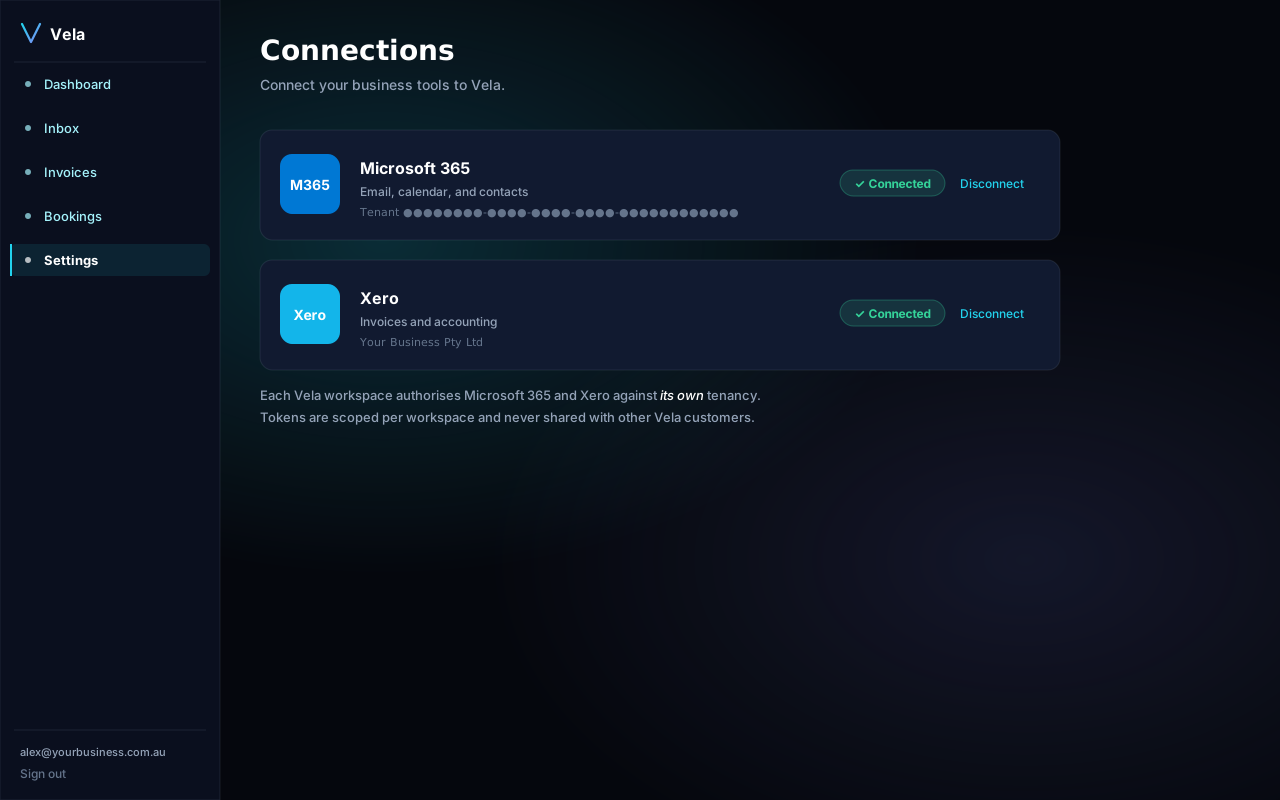
Open Settings → Connections. Find the Xero card and click Connect.
What we ask for
- accounting.transactions — read & create invoices (only when you approve).
- accounting.contacts — read contacts for personalised reminders.
- accounting.settings — read your org info & branding.
- offline_access — keep the connection alive without re-authing.
Steps
- Settings → Connections → Connect Xero.
- Sign into Xero, pick the organisation you want to connect.
- Review the requested scopes and click Allow access.
Multiple Xero orgs
Each Vela workspace connects to one Xero organisation. If you manage multiple Xero orgs (e.g. as an MSP), use the MSP plan which gives you one Vela workspace per client.
Reminder cadence
By default Vela sends reminders 3, 7, and 14 days past due date. Change this from Settings → AR automation.