Self-serve
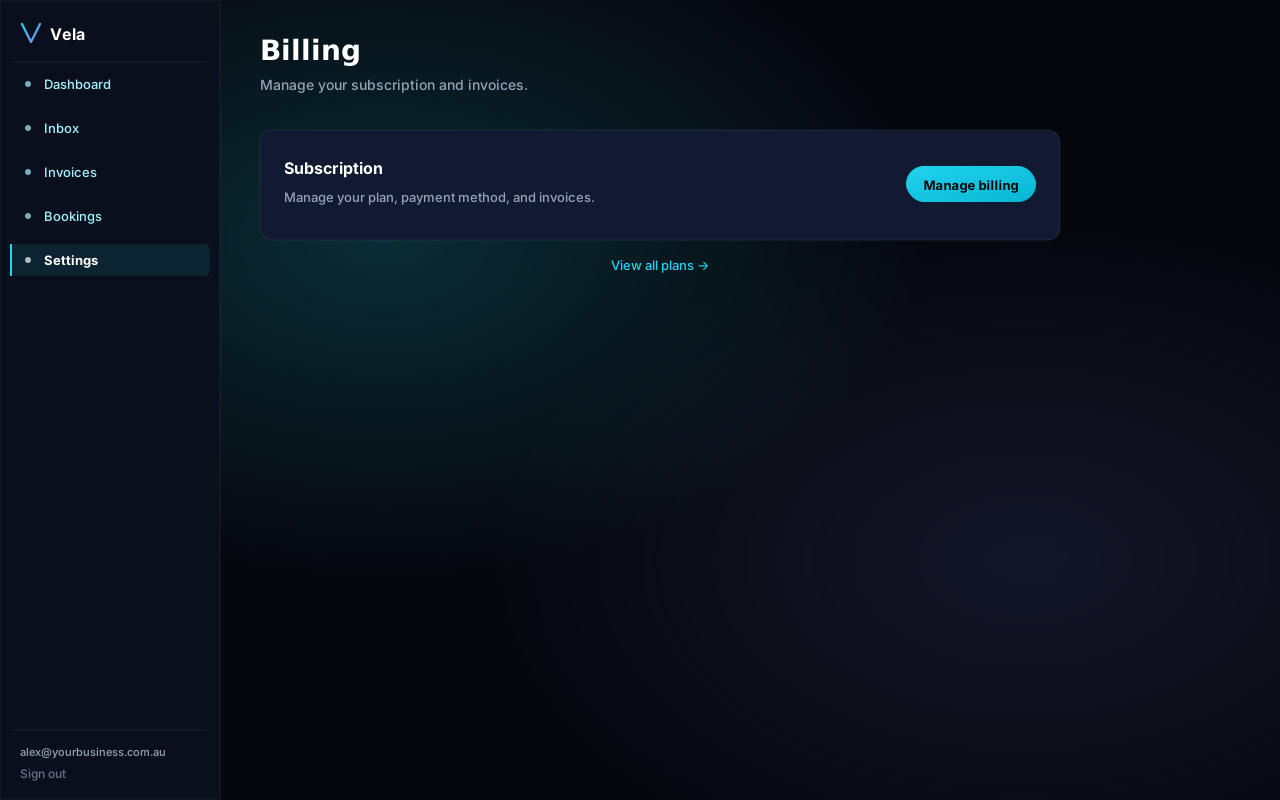
Settings → Billing → Manage subscription opens the Stripe customer portal. From there you can:
- Switch plan (effective immediately, prorated).
- Switch billing cycle (monthly ↔ annual).
- Update your card or BPAY details.
- Download tax invoices.
- Cancel — access continues until the end of your paid period.
MSP plan
Plan changes on the MSP tier are handled by your account manager. Email support and we'll respond within one business day.